Allowing Access
Before the SAFE Billing Platorm can access your GoCardless data, you must grant permission. This is done by following a special link in the platform which takes you to GoCardless where you will need to log in and confirm you wish to allow access.
Connecting Your Account
From the Main Menu, go to the Advanced tab, then click Account Linking/Status under GoCardless (Direct Debits). If you do not have permission to access this tab, you will need to ask your data protection contact to access this on your behalf.
Note
If you have multiple dealers set up, you will need to pick which dealer you wish to manage. Each dealer may link to a different GoCardless account.
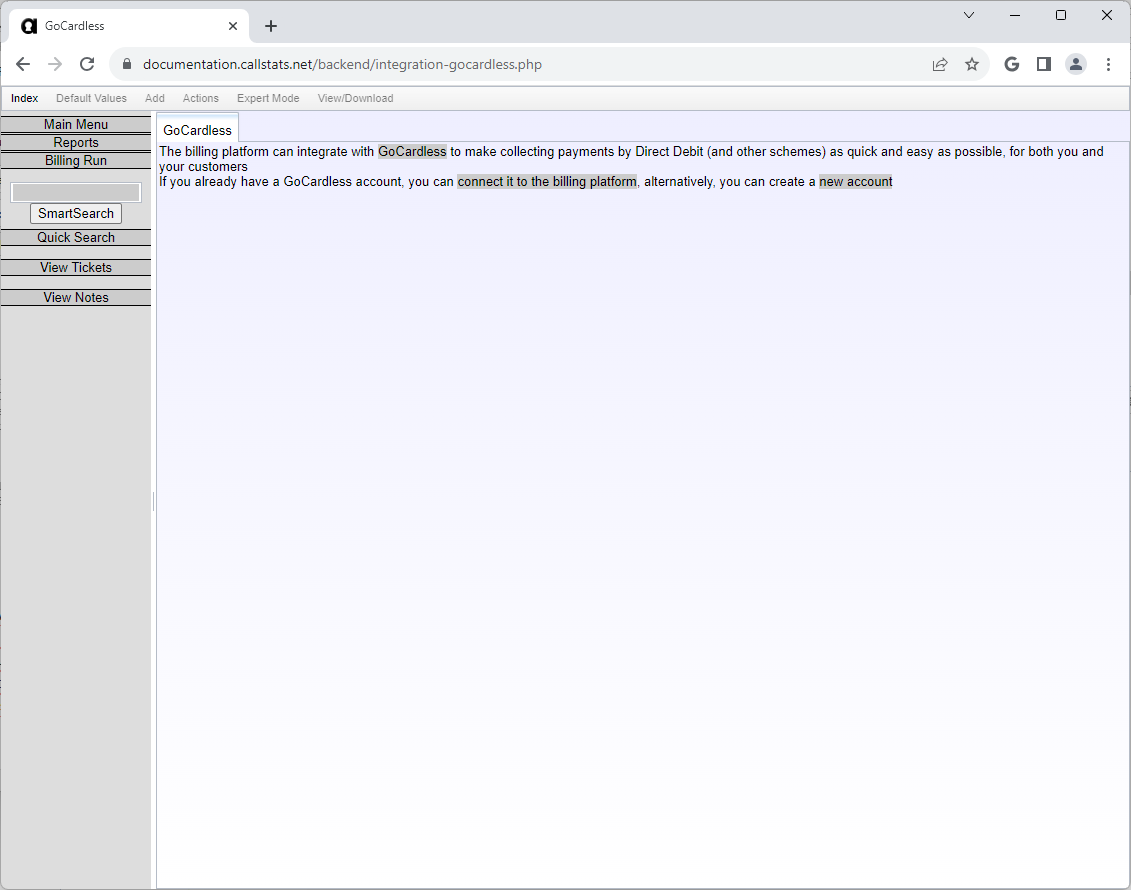
This page shows that your connection is not set up. You may either link an existing GoCardless account, or sign up for a new one.
Existing GoCardless User
If you already have a GoCardless account, click connect it to the billing platform, which will take you to the GoCardless login page if you are not already logged in
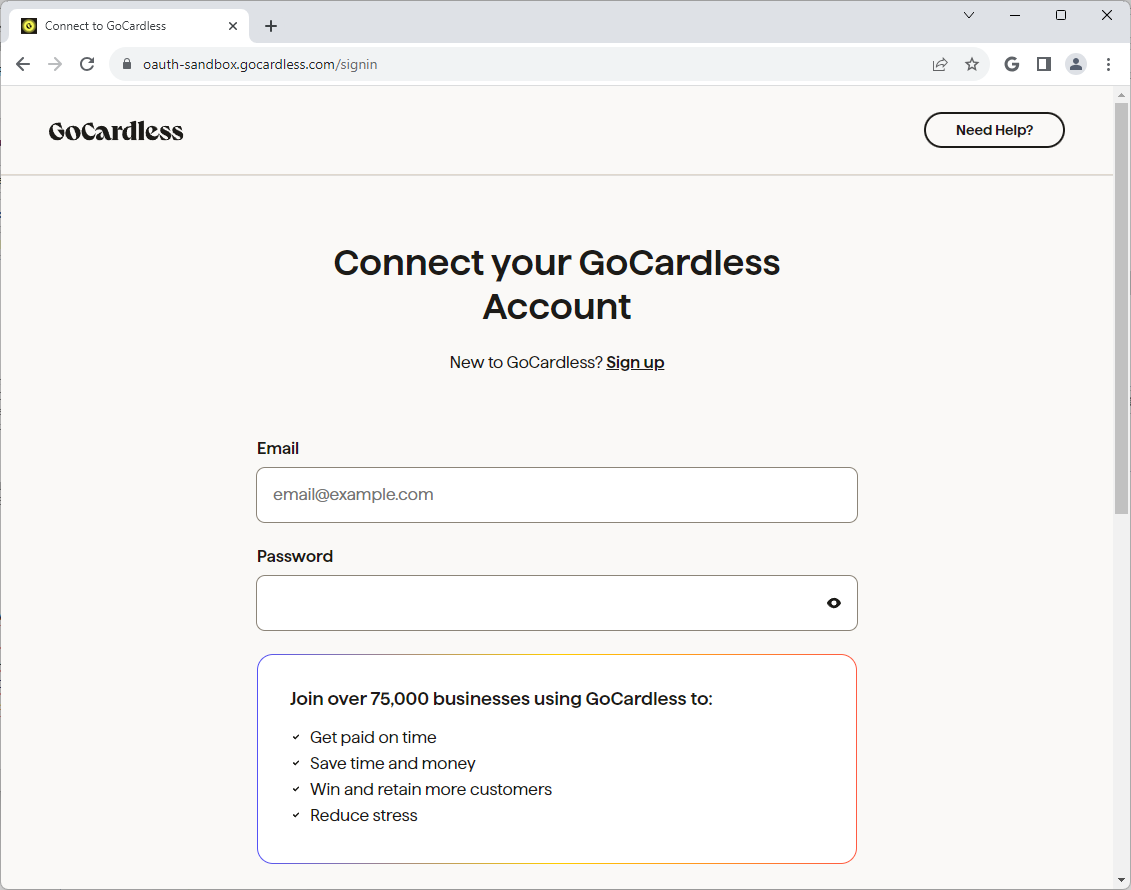
Once you have logged in, you will be able to grant authorisation for the platform to access your data.
New GoCardless User
If you do not already have a GoCardless account, click new account, which will take you to the GoCardless signup page.
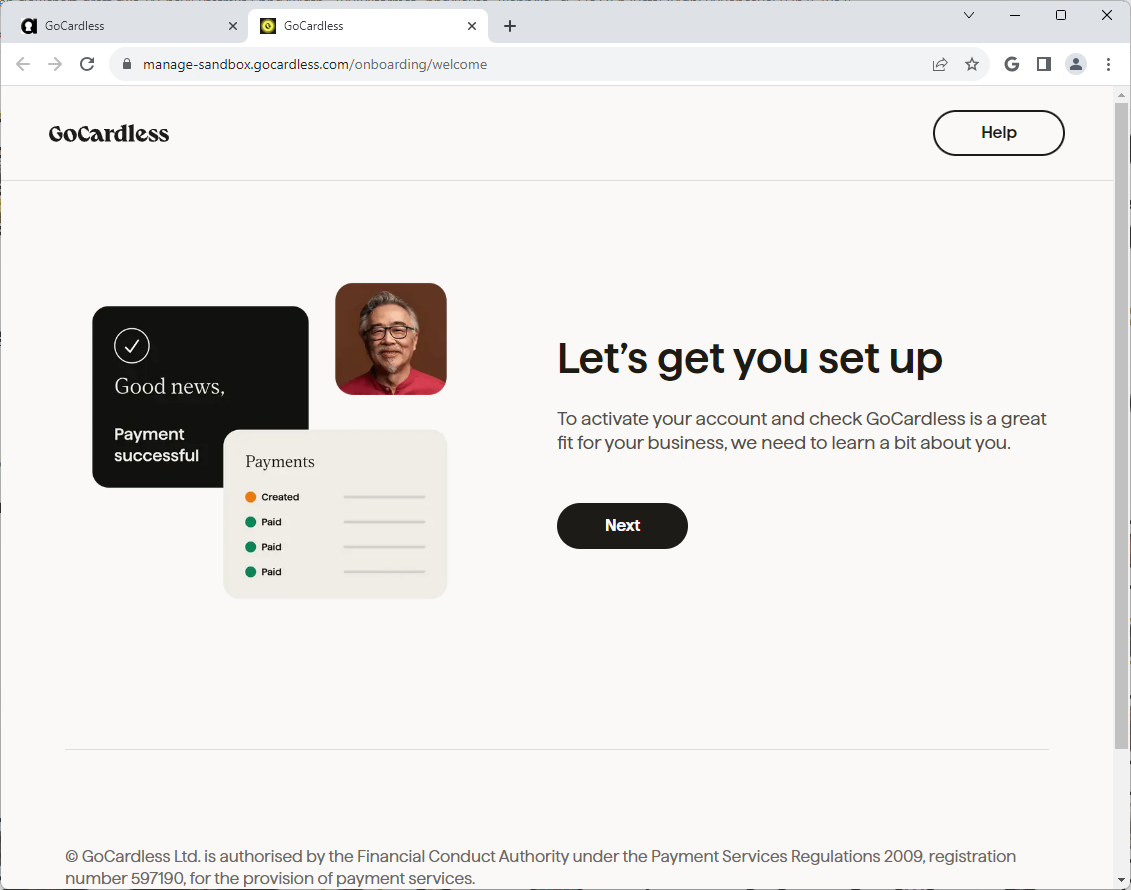
Once you have created an account, you will be able to grant authorisation for the platform to access your data.
After Connection
If access is granted, you will be shown confirmation
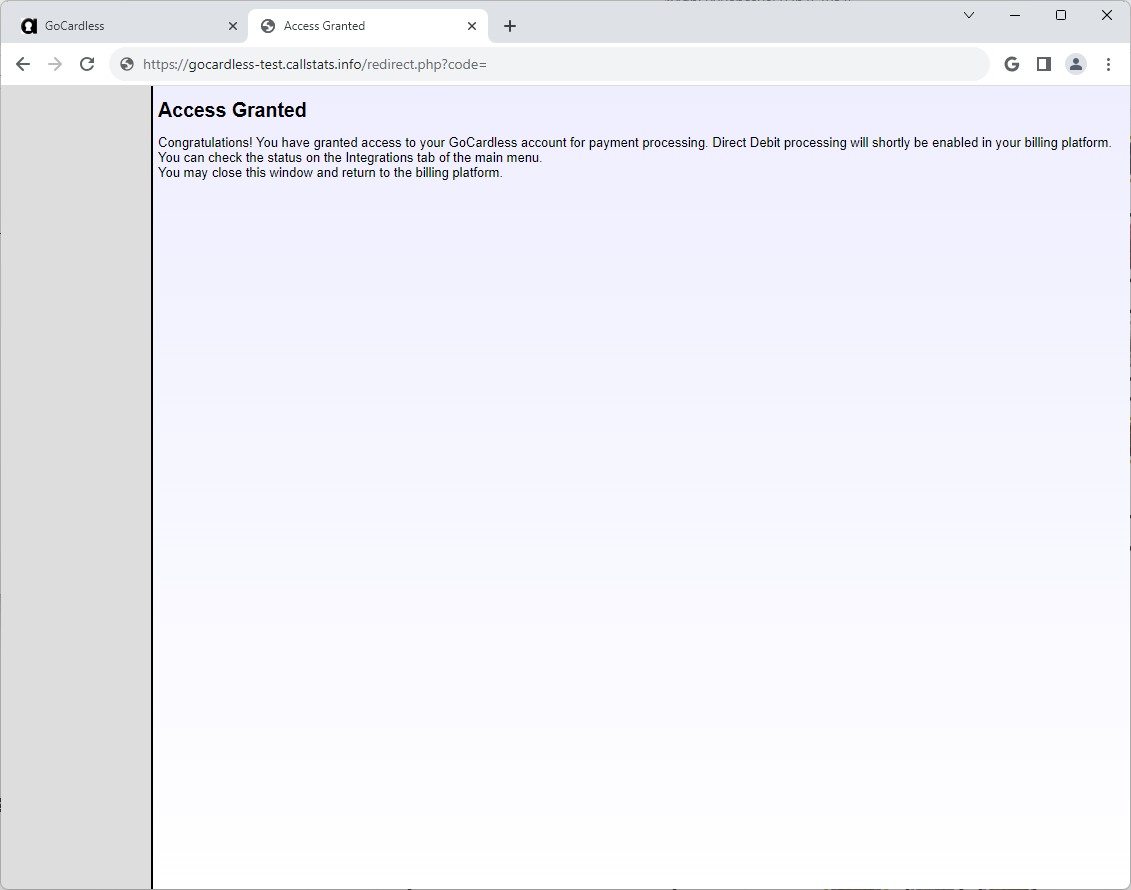
At this stage, the connection needs to be finalised and tested. You will be sent an email when this is complete, or you can recheck the Account Linking/Status page from the Advanced tab (though do not attempt to connect again).